
Latest Version
Feed The Beast
Sports
Linux
Free
dev.ftb.ftb-app
Report a Problem
More About FTB Electron App
A Dedicated Hub for Minecraft Modpack Customization
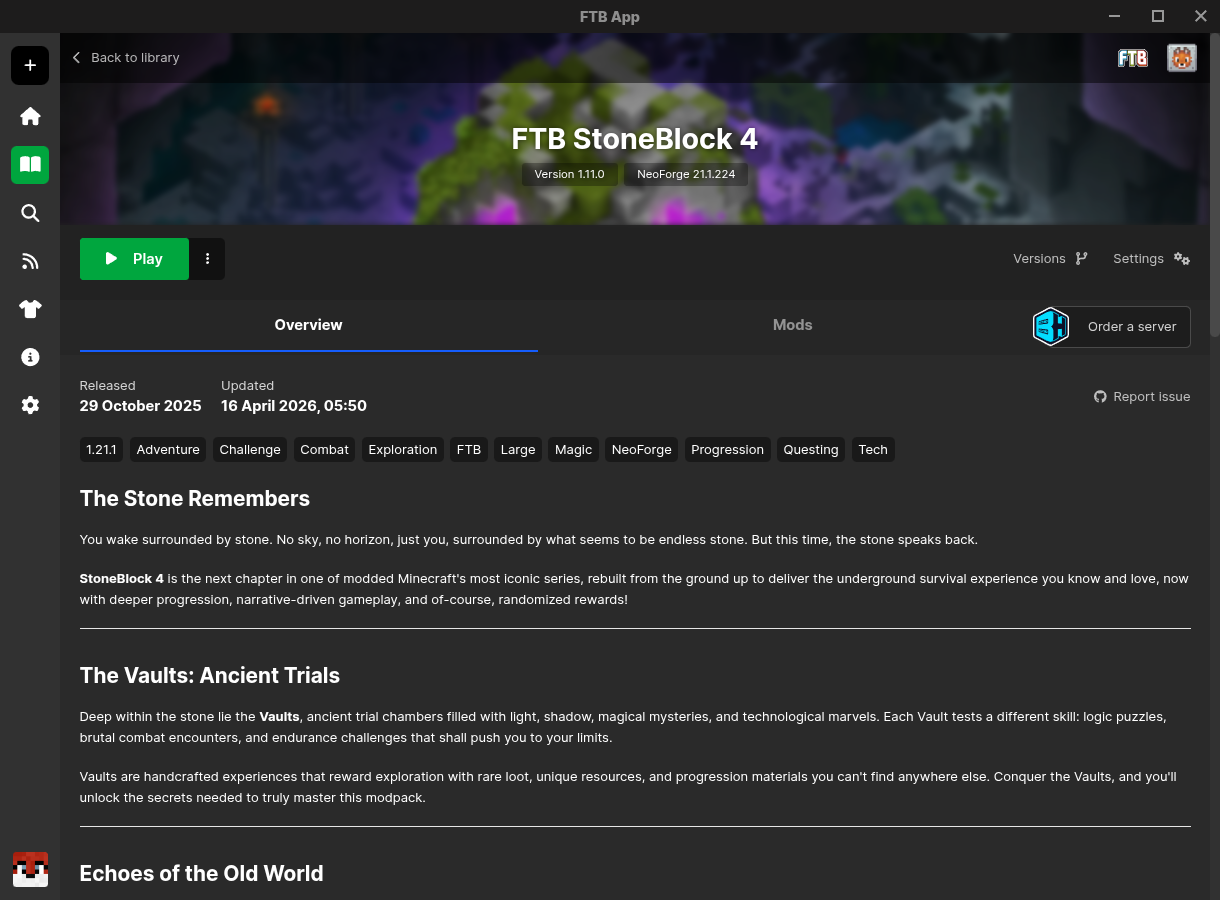
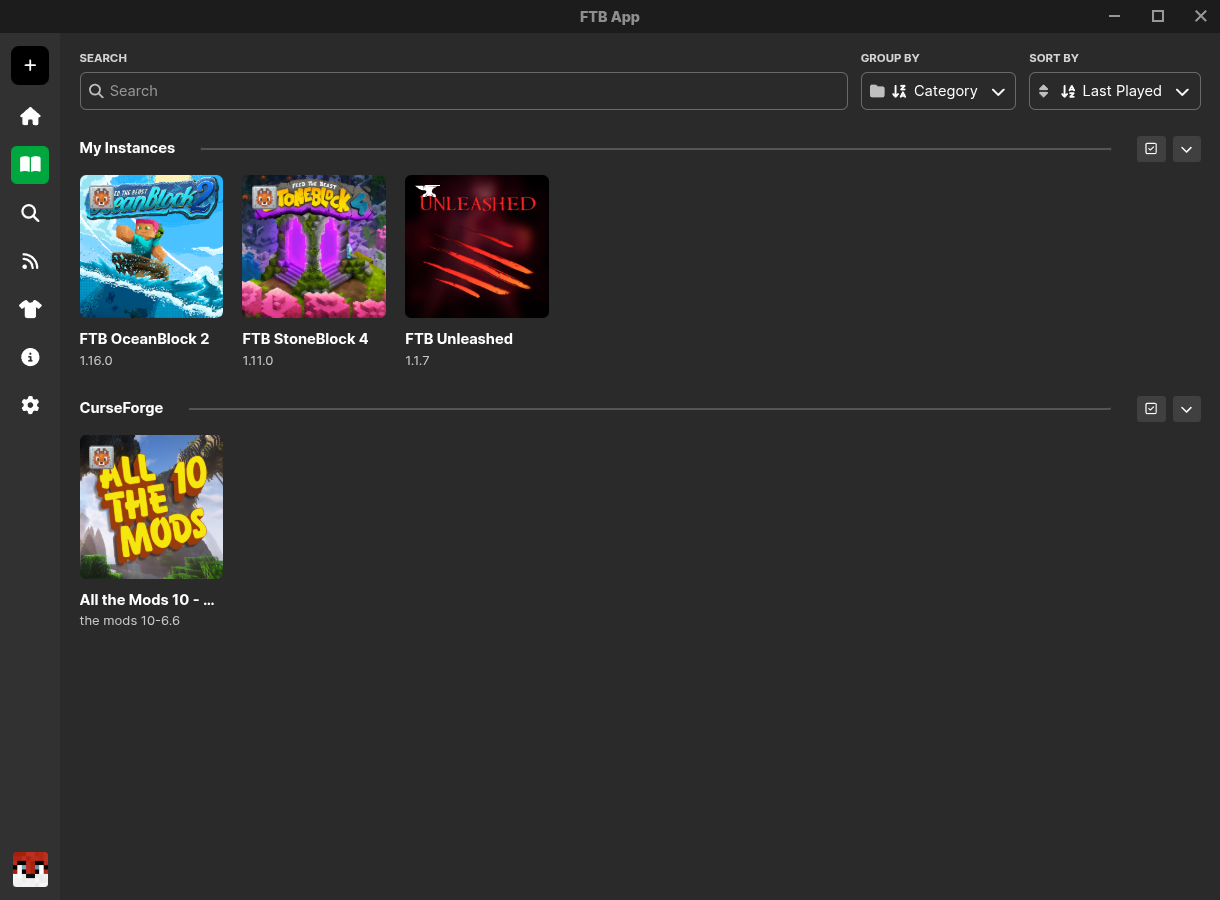
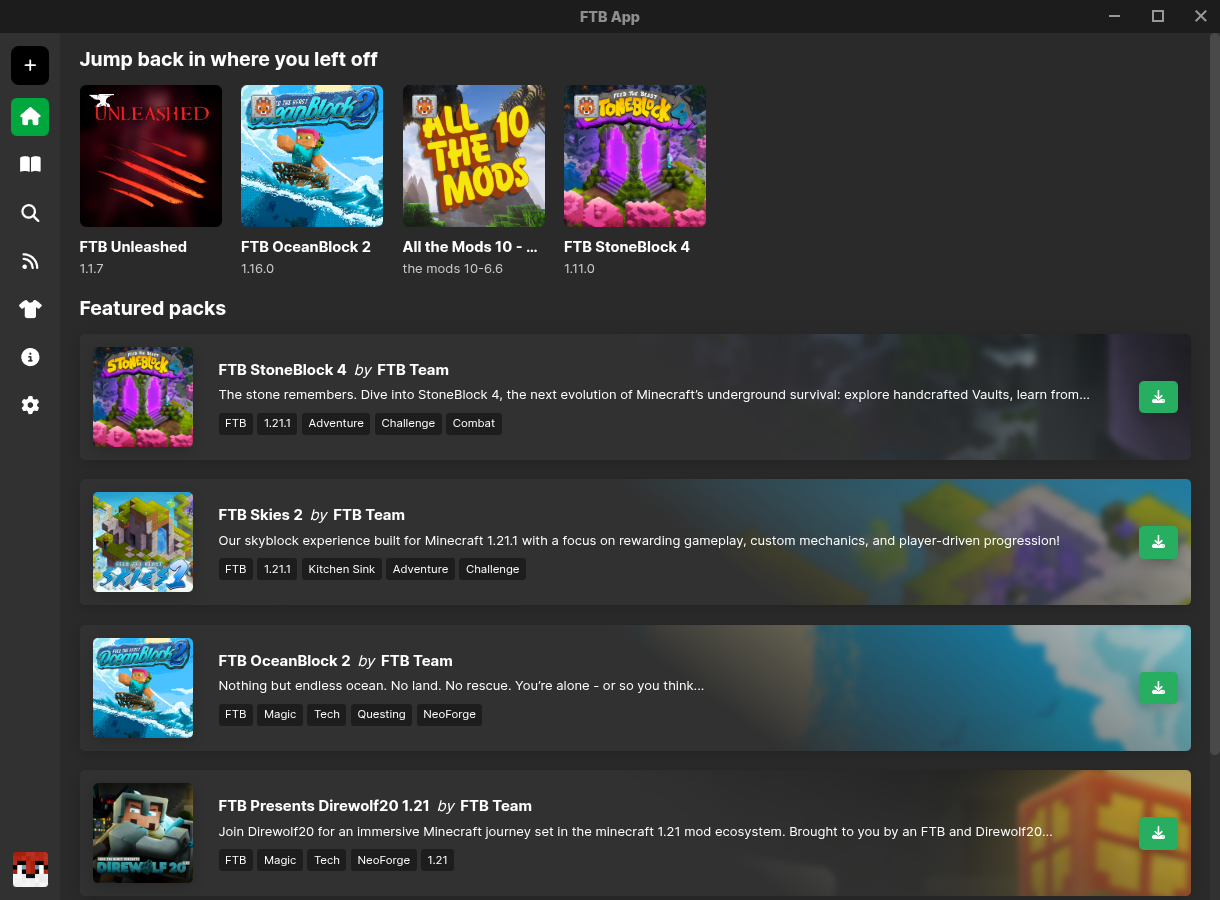
For Linux gamers looking to elevate their Minecraft experience, the FTB Electron App modpack manager stands out as a highly specialized tool designed by Feed The Beast. Unlike generic launchers, this software offers a seamless bridge between complex mod architectures and user-friendly management, allowing players to install, update, and configure their favorite setups without manual hassle.
Streamlined Instance and Modpack Control
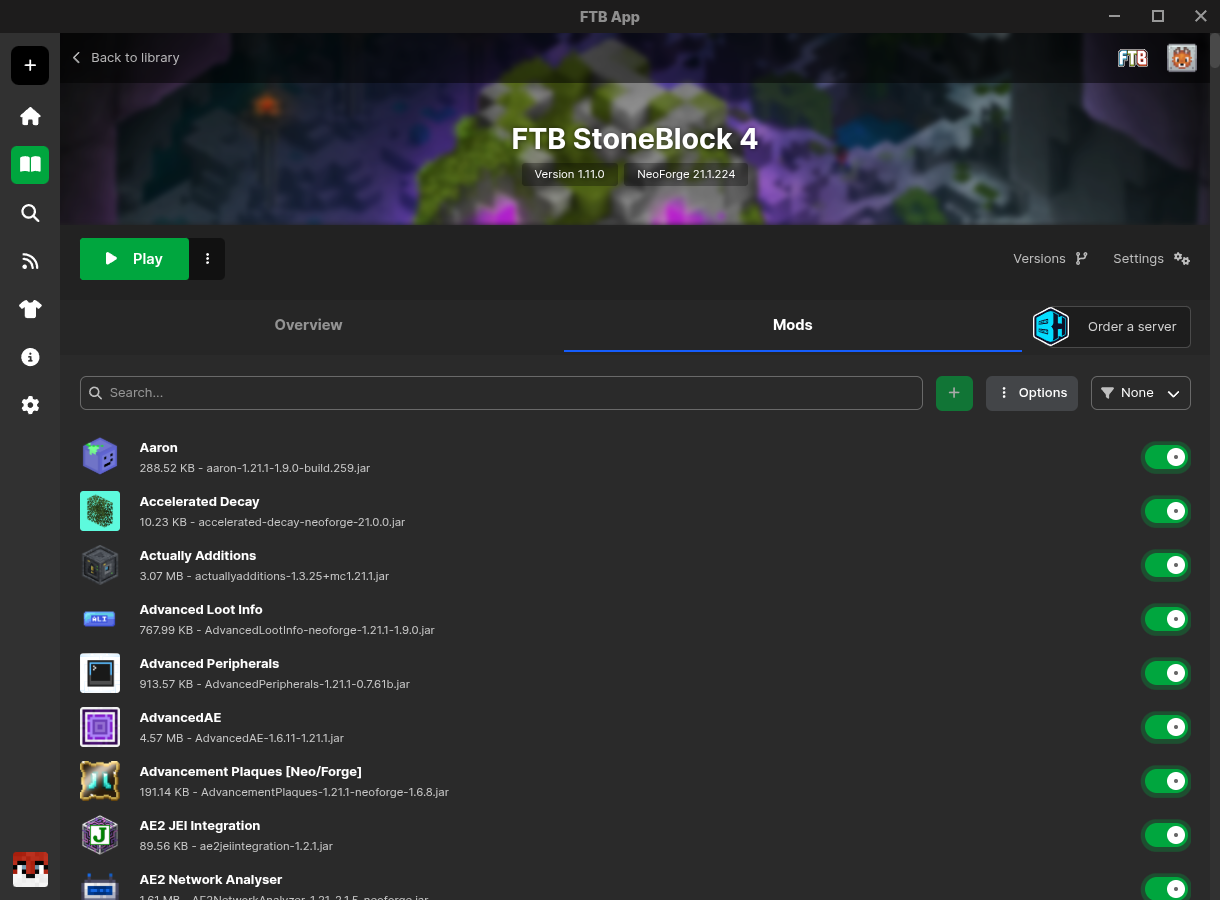
The core strength of the FTB Electron App modpack manager lies in its robust instance management. Users are not locked into rigid presets; instead, you can easily modify your modpack's name, swap out artwork, select specific Java versions, and fine-tune JVM startup arguments. This level of control ensures optimal performance on Linux systems, where hardware resources often require precise allocation.
Key Features of the Platform
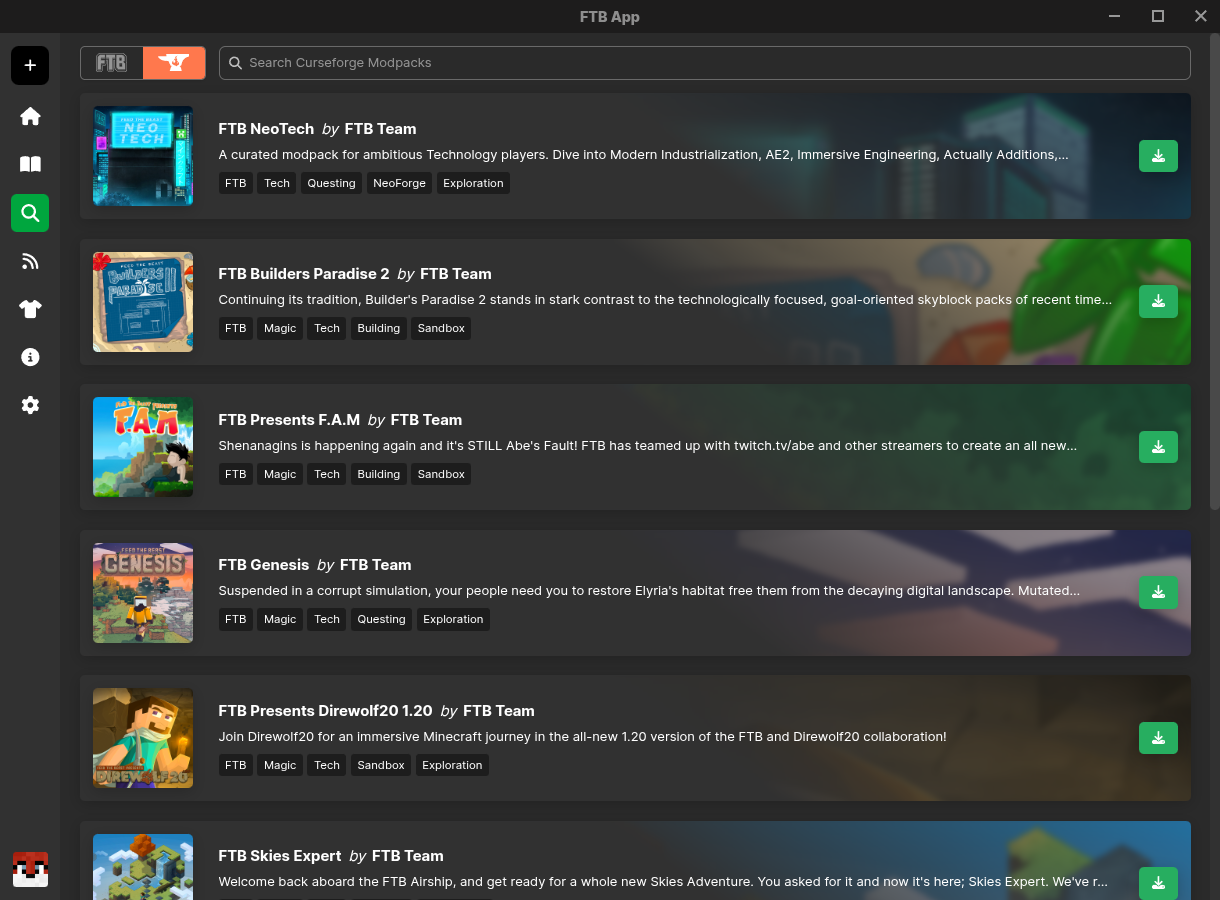
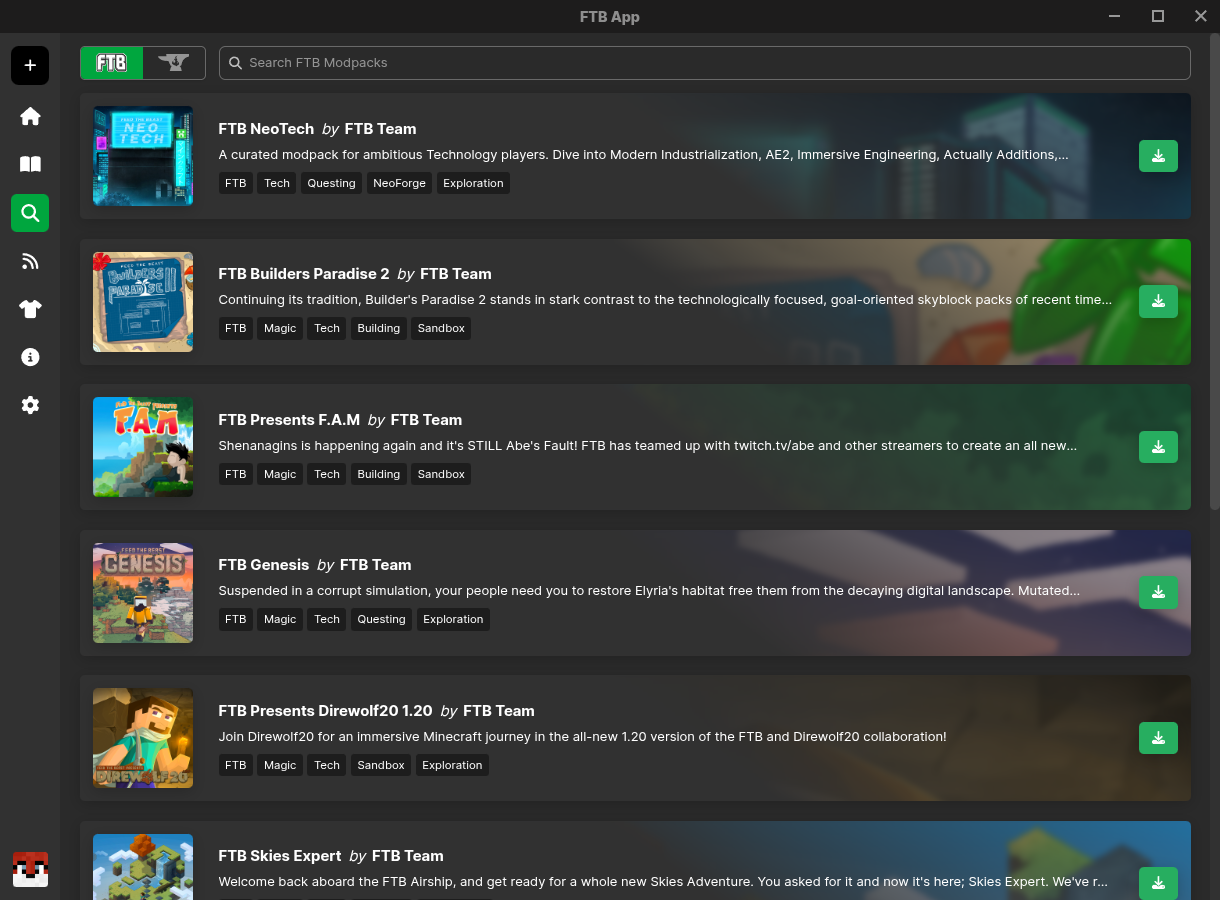
- Broad Integration: Browse and download official Feed The Beast and CurseForge modpacks directly within the interface.
- Customization Engine: Inject individual mods from CurseForge or upload your own custom files to tailor your gameplay.
- Performance Tuning: Allocate RAM and adjust system-level parameters to guarantee smooth framerates.
- Social Sharing: Export and share your custom Minecraft configurations with friends in just a few clicks.
Who Is This Manager For?
Whether you are a casual player wanting a one-click installation for popular modpacks or a power user who demands granular control over Java arguments and memory limits, this application caters to both ends of the spectrum. Its clean layout hides advanced capabilities behind an intuitive user interface, ensuring that Linux users can spend less time troubleshooting configurations and more time in-game.
Getting Started
If you are ready to optimize your modded Minecraft sessions on Linux, we recommend exploring this utility further. To download the application and begin managing your setups, visit the official FTB Electron App page on Flathub.
Rate the App
User Reviews


Popular Apps









Editor's Choice