
Latest Version
emoacht
Health
Windows
Free
9nw33j738bl0
Report a Problem
More About Monitorian
A Seamless Way to Manage Multi-Monitor Brightness
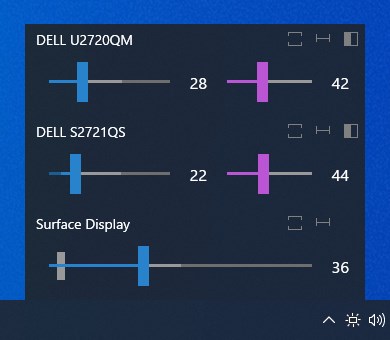
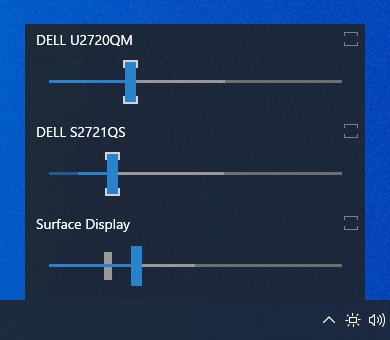
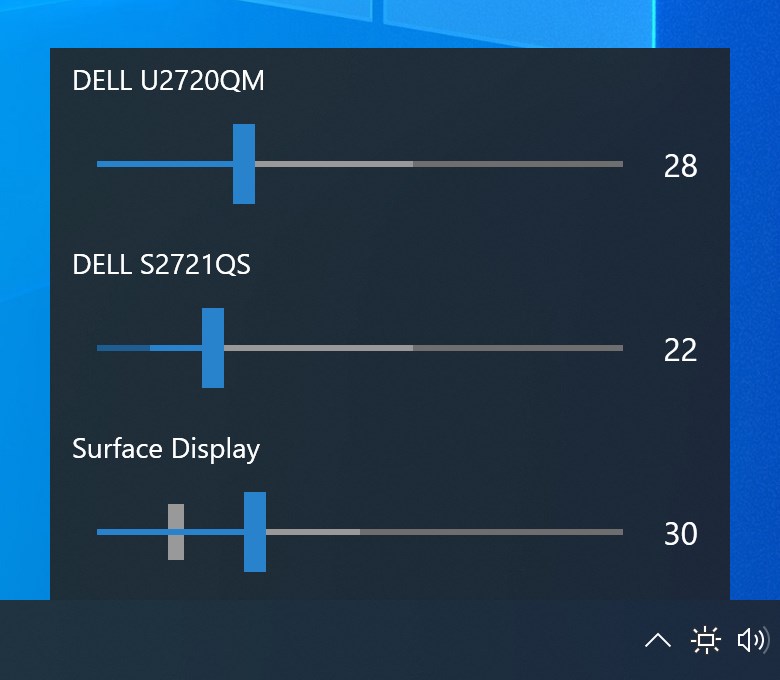
Managing multiple displays on a single workstation often comes with a frustrating caveat: adjusting the physical buttons on each individual screen just to balance your workspace lighting. The Monitorian brightness controller offers an elegant software-based solution to this daily annoyance. Designed specifically for Windows, this lightweight utility integrates directly into your desktop environment, allowing you to control the luminance of all connected displays from a single, unified interface.
Whether you are working late into the night or shifting from a dark room to a sunlit home office, keeping your screens at a comfortable level is essential for reducing eye strain. This application bridges the gap between your operating system and your external hardware, providing fluid, real-time adjustments without the need to navigate clunky physical monitor menus.
Key Features of the Monitorian Brightness Controller
This utility is built around user convenience and desktop efficiency. Here is a breakdown of what makes it a standout tool for multi-display setups:
- Unified or Individual Control: You can slide the brightness bars of your monitors simultaneously or adjust each display independently to match varying panel qualities.
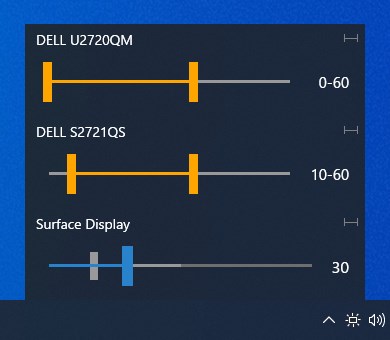
- Contrast and Range Customization: Seamlessly define the adjustable range for both contrast and brightness on a per-monitor basis to prevent accidental over-saturation.
- System Tray Integration: Access the control sliders instantly from your Windows system tray with a simple click, keeping your workspace clutter-free.
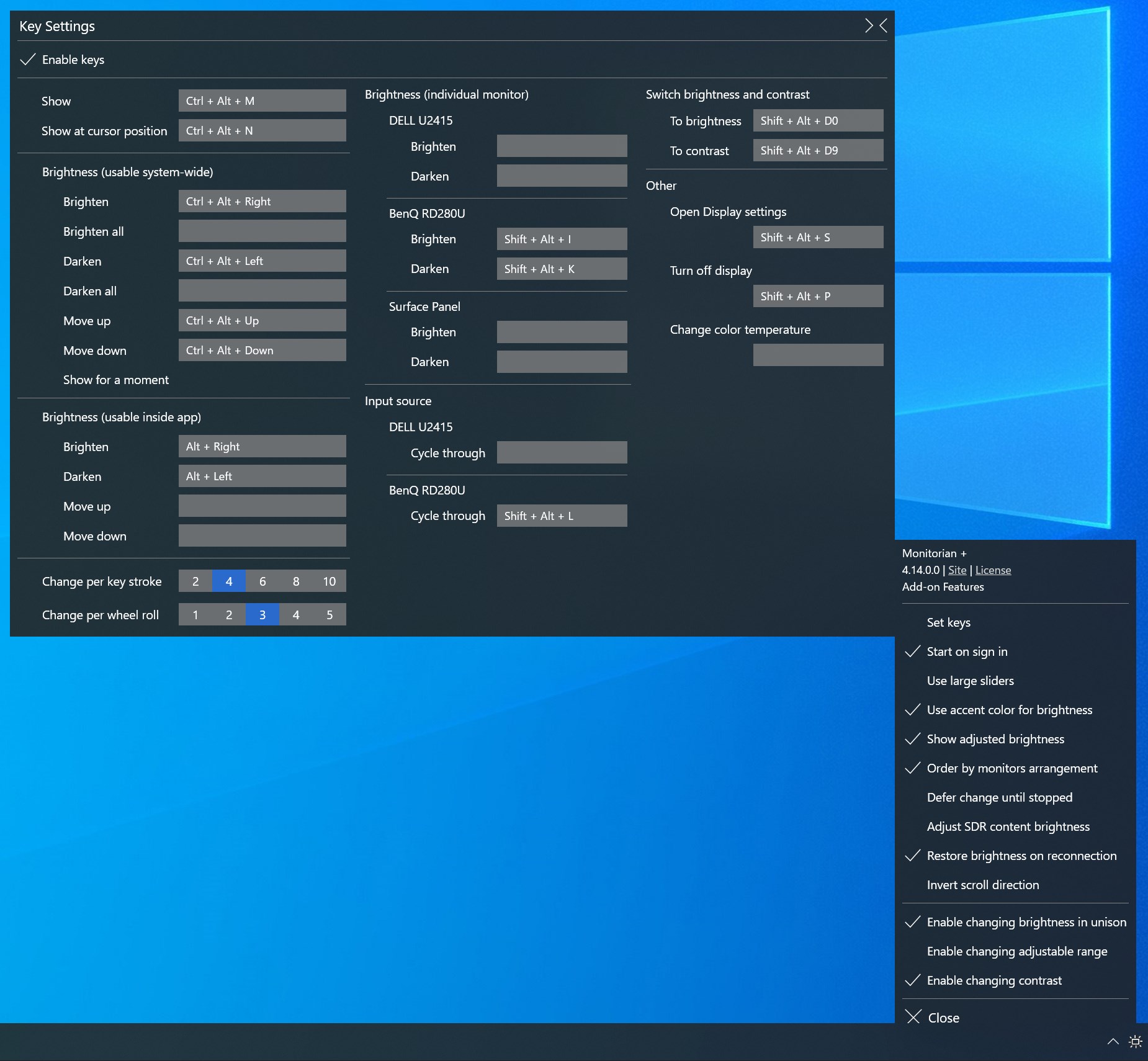
- Advanced Add-on Options: For power users, optional subscription features unlock hotkey integration, command-line controls, and support for setups with more than four monitors.
Hardware Compatibility and Requirements
To successfully utilize the Monitorian brightness controller, your external screens must support the DDC/CI (Display Data Channel/Command Interface) protocol, and this setting must be enabled in your monitor's physical on-screen display (OSD) menu. Additionally, if you route your display signals through hardware converters, USB-C docking stations, or external hubs, those intermediate devices must also be fully capable of transmitting DDC/CI commands to ensure seamless communication.
Is It Right For Your Workspace?
For professionals, remote workers, and gamers who rely on dual or triple monitor arrays, this application is a massive quality-of-life upgrade. It eliminates the physical friction of adjusting hardware buttons, helps maintain a visually consistent environment, and supports your overall visual health during long computing sessions.
If you are ready to streamline your multi-screen workflow, you can find more information and access the utility directly on the official Microsoft Store page.
Rate the App
User Reviews













Popular Apps










Editor's Choice